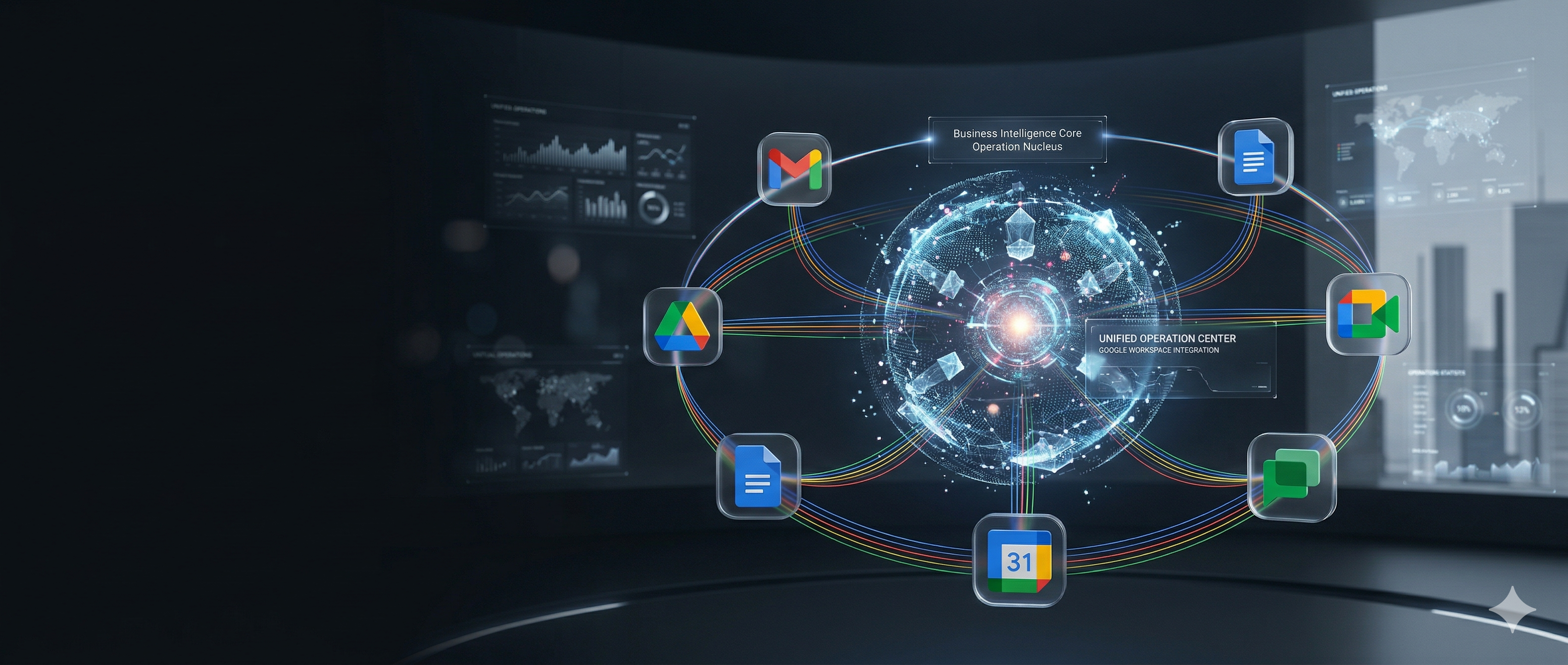
Google Workspace Services
Your Business.
One Unified Platform.
Professional email, cloud storage, video conferencing, and the full Google productivity suite — set up, secured, and managed by Webbrandz. With AI integration that gives your business an edge.
The Full Suite
Everything Your Business Needs
Google Workspace brings together all the tools your team uses every day — email, storage, calendars, documents, video calls, and chat — in one secure, integrated platform.
Gmail
Professional Email
Custom business email on your domain with 15GB+ storage per user. Spam filtering, advanced search, and seamless integration across all devices.
- Custom domain email (you@yourbusiness.com)
- Advanced spam & phishing protection
- Email delegation & shared mailboxes
- Offline access & mobile sync
Google Drive
Cloud Storage & File Sharing
Secure cloud storage for your entire team. Share files, collaborate in real-time, and access your data from anywhere — no more emailing attachments back and forth.
- Shared team drives
- Granular access permissions
- Version history & recovery
- Works with 100+ file types
Google Calendar
Scheduling & Coordination
Shared calendars for your team, smart scheduling that finds available times, and automatic reminders that keep everyone on track.
- Shared team calendars
- Smart scheduling suggestions
- Meeting room booking
- Automated reminders & notifications
Google Sheets
Spreadsheets & Data
Collaborative spreadsheets with real-time editing, powerful formulas, and AI-powered insights. No more version conflicts or emailing spreadsheets around.
- Real-time multi-user editing
- Charts, pivot tables & formulas
- Import/export Excel compatibility
- AI-assisted data analysis
Google Docs
Documents & Collaboration
Create, edit, and collaborate on documents in real-time. Built-in commenting, suggesting, and version history make teamwork effortless.
- Real-time collaboration
- Comment & suggest mode
- Template library
- Export to PDF, Word, and more
Google Meet & Chat
Video Conferencing & Messaging
HD video meetings for up to 500 participants, team chat channels, and screen sharing — everything your team needs to communicate.
- HD video calls & screen sharing
- Team chat spaces
- Meeting recordings
- Live captions & translations
Why Managed
We Handle the Tech.
You Run Your Business.
Google Workspace is powerful — but configuring security, managing users, migrating data, and keeping everything optimized takes expertise and time you don't have. That's where we come in.
Setup & Migration
We handle the entire setup — domain verification, user creation, email migration, and data transfer from your current platform. Zero downtime, zero headaches.
User & Access Management
Adding and removing users, managing permissions, password resets, security groups — we handle all the day-to-day admin so you don't have to.
Security & Compliance
Two-factor authentication, data loss prevention, audit logs, and security policies configured to protect your business. We keep your Workspace locked down.
Ongoing Support
Dedicated support when something isn't working. No calling Google and waiting on hold — you call us, and we fix it.
AI Integration
Connect AI agents to your Workspace — intelligent email triage, automated scheduling, smart document creation, and workflow automation that saves hours every week.
Automation & Optimization
Automated workflows, email templates, calendar rules, Drive organization, and custom integrations that make your team more productive from day one.
What Makes Us Different
Google Workspace
+ AI Intelligence
Most providers just set up your Workspace and walk away. We go further — we connect AI agents directly into your Gmail, Calendar, and Drive to automate the work your team does every day.
Imagine an AI assistant that reads your inbox, prioritizes urgent messages, drafts responses, schedules meetings, organizes your Drive, and gives you a daily briefing — all running inside your Workspace. That's what we build.
Intelligent Email Triage
AI reads, categorizes, and prioritizes your inbox. Important messages surface first — spam and noise disappear.
Automated Scheduling
AI manages your calendar — finds open slots, proposes meeting times, sends reminders, and avoids conflicts.
Smart Document Creation
Generate reports, proposals, and summaries from your data. AI pulls from Drive and Sheets to create polished documents.
Daily Business Briefing
Start every morning with an AI-generated summary of your emails, calendar, tasks, and action items.
Workflow Automation
Connect your Workspace apps to automate repetitive tasks — from form submissions to invoice processing to follow-up emails.
How It Works
Simple Setup. Ongoing Support.
Discovery Call
We learn about your business, your team, your current email and tools setup, and what you need from Workspace.
Setup & Migration
We configure your Workspace, migrate your email and files, set up security policies, and create user accounts — all handled by us.
Training & Handoff
Your team gets a walkthrough of their new tools. We make sure everyone knows how to use Gmail, Drive, Calendar, and Meet effectively.
Ongoing Management
We manage your Workspace on an ongoing basis — user changes, security updates, troubleshooting, and AI integrations as your business grows.
Pricing
Flexible Plans for Every Business
Whether you're a team of 5 or 500, we have a managed Workspace plan that fits. Contact us for a custom quote tailored to your business.
Request a QuoteFAQ
Common Questions
What is Google Workspace?
Google Workspace (formerly G Suite) is Google's suite of business productivity tools — Gmail, Drive, Calendar, Docs, Sheets, Meet, and more — all under your business domain. It's what powers millions of businesses worldwide.
Why do I need managed services? Can't I set it up myself?
You can — but most businesses don't have the time or expertise to configure security policies, manage user permissions, handle migrations, or optimize their setup. We handle all of that so you can focus on running your business.
Will I lose any emails during migration?
No. We migrate your entire email history, contacts, and calendar events. The migration happens in the background with zero downtime — you keep working while we move everything over.
Can you integrate AI with our Workspace?
Absolutely — that's our specialty. We can connect AI agents to your Gmail, Calendar, and Drive to automate email triage, scheduling, document creation, and more. It's like having an extra team member that works 24/7.
What if we're already on Google Workspace?
We can audit your current setup, optimize security settings, clean up user management, and add AI integrations. Many businesses are only using 20% of what Workspace can do — we unlock the rest.
How long does setup take?
A typical setup for a small business (under 25 users) takes 1-3 business days. Larger migrations with extensive email history may take up to a week. Either way, there's no disruption to your daily operations.
Ready to Get Started?
We Have Great Clients.
You Should Be One of Them.
Let's build something exceptional together. Tell us about your project and we'll get back to you within 24 hours.